
When you refund a customer, you need to issue a VAT credit note and reduce your output VAT in the period the refund happens, generally within 14 days of the refund being given. Where Amazon or another marketplace is legally liable for VAT on the original sale, you reconcile the marketplace’s own VAT reporting rather than re-declaring that VAT in your own return. Get this wrong in either direction and your VAT return will not match your bank or marketplace reports, as we often see when reviewing books for Amazon FBA accountants clients.
Key Takeaways
Proper VAT handling on refunds, reimbursements, and marketplace sales depends on accurately identifying each scenario and applying correct accounting and reconciliation procedures.
| Point | Details |
|---|---|
| Refunds must be issued within 14 days | Issue a credit note and adjust output VAT in the same VAT period when the refund occurs to stay compliant. |
| Marketplace-liable sales have special rules | When the marketplace is liable for VAT, you report deemed zero-rated supplies and do not include marketplace-collected VAT in Box 1. |
| Separate reimbursements from sales | Reimbursements for stock lost before sale are usually non-VATable, while reimbursements tied to sold orders are reconciled against the original sale. |
| Accurate bookkeeping is crucial | Issue credit notes referencing original invoices, reconcile Amazon settlements to the bank, and tag reimbursements by SKU for clarity. |
| We help ensure correct VAT reporting | Our eAccounts service handles bookkeeping and VAT returns, reconciling Amazon reports to prevent errors and simplify filing. |
Table of Contents
- VAT position: returns, refunds and reimbursements, a scenario checklist
- Amazon and online marketplaces: who accounts for VAT and how that changes your entries
- Bookkeeping entries: how to record refunds, credit notes and reimbursements
- Reconciling platform reports with your VAT return: what goes in which box
- Credit notes, evidence and HMRC expectations
- Practical checklist for small sellers: closing a VAT period with returns handled
- Why specialised ecommerce accounting helps avoid returns and VAT mistakes
- How we help with Amazon returns, refunds and VAT reporting
- FAQ
- Sources
VAT position: returns, refunds and reimbursements, a scenario checklist
Not every refund or reimbursement carries the same VAT treatment, and the scenario determines the adjustment:
- Stock lost or damaged before sale: a reimbursement for this is compensation, not consideration for a supply, so it normally carries no VAT.
- Customer return after a sale completes: you issue a credit note and reduce output VAT in the VAT period when the refund actually happens.
- Amazon reimbursement tied to a sold order: VAT on the original sale was already accounted for, so you reconcile the reimbursement against that sale and any associated fees rather than treating it as a fresh supply.
- Marketplace-liable sales: under the marketplace VAT rules, certain sales to UK customers are deemed zero-rated supplies from you to the marketplace, and you do not declare the marketplace-collected VAT in your Box 1.
Mixing these up is the most common error we see: sellers issue a credit note for a reimbursement that was never VAT-bearing in the first place, or they duplicate VAT that Amazon has already accounted for. Working through which bucket a transaction falls into before you post anything saves a correction later.
Amazon and online marketplaces: who accounts for VAT and how that changes your entries
Whether you or the marketplace accounts for VAT depends on where the goods are and your registration status. Under the overseas goods and marketplace rules, a marketplace becomes liable for VAT in specific circumstances, such as overseas sellers or goods already stored in the UK at the point of sale.
- When the marketplace is liable, you record a deemed zero-rated supply to the marketplace rather than a standard-rated sale to the end customer.
- The net sale value still belongs in Box 6, but the associated output VAT stays out of your Box 1 because it is not yours to declare.
- If Amazon reimburses you for stock that was lost or damaged and never reached a customer, that reimbursement is compensation and reconciles separately against Amazon’s settlement reports, not against a sales invoice.
- VAT that Amazon charges you for its own services follows the normal input VAT rules, and overseas supplier charges may fall under reverse charge treatment depending on your circumstances.
Getting this split wrong in either direction, declaring VAT that belongs to the marketplace or missing input VAT you are entitled to reclaim, throws out both your VAT liability and your margin reporting.
Bookkeeping entries: how to record refunds, credit notes and reimbursements
Once you know which scenario applies, the posting itself follows a fairly consistent pattern.
- Issue a VAT-valid credit note that references the original invoice number, so the adjustment can be traced back to the original supply.
- Choose your recording method: either reverse the original sales invoice and its VAT, or post a dedicated refund or contra transaction, depending on how your chart of accounts is set up.
- Post Amazon reimbursements as receipts tagged to the original SKU and order; where VAT was already handled on that original sale, the reimbursement itself normally carries no further VAT.
- Reconcile marketplace settlements to your bank feed, matching each batch of Amazon payments against the invoices, fees and refunds it actually represents.
In Xero, credit notes can be created and linked directly to the original invoice, which keeps the audit trail intact and automatically adjusts the VAT return figures. Marketplace fees and reimbursements are best tagged to a dedicated tracking category so you can see at a glance how much of a settlement batch is sales, fees or stock compensation.
Pro Tip: Set up a recurring bank rule in Xero for Amazon settlement deposits so refunds, fees and reimbursements are split automatically instead of landing as one unexplained lump sum.
Reconciling platform reports with your VAT return: what goes in which box
Once refunds and reimbursements are posted correctly, the VAT return boxes should already reflect the net position, but it is worth checking each one before you file.
- Box 1 shows the VAT due on your taxable supplies after deducting the VAT on any credit notes issued in that period, in line with HMRC’s VAT return guidance.
- Box 4 includes the input VAT you are entitled to reclaim on purchases and imports, but not VAT that a marketplace has already collected and paid to HMRC on your behalf.
- Box 6 and Box 7 report net sales and acquisitions, and where a marketplace accounts for VAT, you report the net value of the deemed supply rather than a figure that includes the marketplace-collected VAT.
HMRC guidance confirms that where a payment is refunded, you reclaim any VAT already accounted for in your next VAT return, which is why timing the credit note to the correct period matters as much as the amount itself.
A practical reconciliation checklist before filing: match every Amazon settlement report line to a credit note or original invoice, separate out any VAT-collected lines that belong to the marketplace, strip marketplace-collected VAT out of Box 1, and keep a short note explaining each adjustment in case HMRC asks later.
Credit notes, evidence and HMRC expectations
HMRC is specific about what a valid credit note needs to contain and when it needs to exist.
- Mandatory content: an identifying number, the date, your details and the customer’s, a reference to the VAT invoice it amends, a description of the goods, the price reduction excluding VAT, and the VAT amount credited in pounds sterling, as set out in HMRC’s credit note guidance.
- Timing and good faith: the adjustment must be made in good faith, in the VAT period the refund actually occurs, under the Regulation 38 rules that apply from 1 September 2019.
- Second supplies: where title passed to the customer and the goods are physically returned, this can count as a new supply back to you, so keep evidence of the physical return alongside the credit note.
- No immediate credit note: if you cannot issue one straight away, keep clear accounting records showing the agreed reduction in consideration and proof the refund was actually given.
Practical checklist for small sellers: closing a VAT period with returns handled
Before you file, run through this short list:
- Match every refund on your bank feed and marketplace report to a credit note and its original invoice.
- Issue credit notes within 14 days of the refund and adjust output VAT in that same period.
- Keep marketplace-collected VAT separate from your own sales and leave it out of Box 1.
- Reconcile in Xero, tag reimbursements to their SKUs, and retain evidence of each returned item or refund.
Pro Tip: Run this checklist a few days before your VAT deadline, not on filing day, so there is time to chase a missing credit note or settlement report.
Why specialised ecommerce accounting helps avoid returns and VAT mistakes
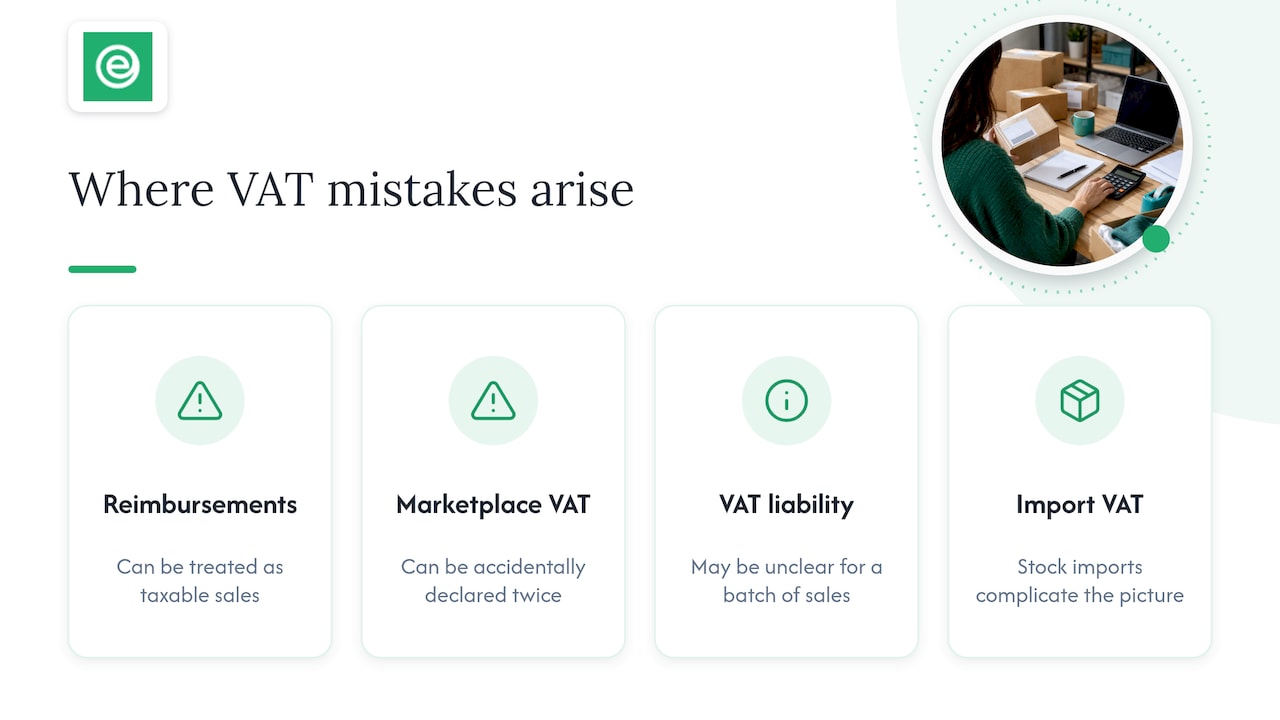
Reconciling Amazon settlement reports against VAT returns is repetitive, detail-heavy work, and the detail is exactly where mistakes creep in: a reimbursement treated as a taxable sale, or marketplace-collected VAT accidentally declared twice. We reconcile these reports and post the resulting VAT adjustments for marketplace sellers, which is where the patterns become obvious.
Specialist input matters most when reimbursements go back further than a few months, when it is unclear whether a marketplace or you are liable for VAT on a batch of sales, or when import VAT on stock complicates the picture. A dedicated accountant catches a misreported Box 1 or Box 4 figure before it reaches HMRC, which is often what keeps a monthly close short rather than drawn out.
— Kris
How we help with Amazon returns, refunds and VAT reporting
We handle ongoing Xero bookkeeping and VAT return preparation for marketplace sellers, which means Amazon settlement reports get reconciled against your bank and your invoices, not just at VAT deadline. Every client gets a dedicated accountant, so the same person who sets up your credit note process also checks your Box 1 and Box 4 figures before filing.

In practice that means:
- Credit notes raised and linked correctly so output VAT adjusts in the right period.
- Box 1, Box 4 and Box 6 figures reconciled against your actual Amazon settlements, not estimated.
- Monthly close that takes you less time because the reconciliation work is already done.
Our ecommerce accountants service starts from £29 + VAT a month and covers Xero bookkeeping and VAT returns together, so get in touch for a consultation and we will show you exactly how your Amazon reports would be reconciled each month.
This article is general information, not a substitute for advice from a qualified financial advisor. Consult a qualified financial professional about your own circumstances before acting on anything here.
FAQ
Does Amazon refund VAT to customers?
When Amazon processes a refund to a customer, the amount refunded generally includes the VAT element of the original price, though some sellers have reported the refund screen showing a tax-exclusive figure before the final refund completes. It is worth checking the final settlement report rather than the initial refund screen to confirm the VAT was included.
Are customer refunds subject to VAT?
A refund itself is not a new supply subject to VAT, but it reduces the value of the original supply, so you issue a credit note and reduce your output VAT for that sale. This adjustment should happen in the VAT period when the refund is actually given, under HMRC’s Regulation 38 rules.
Do Amazon refunds include the VAT amount charged on the original sale?
Yes, where VAT was charged on the original sale, a full refund should return that VAT to the customer as part of the total amount refunded. If Amazon’s marketplace rules meant VAT was accounted for by Amazon rather than you, the refund and any VAT adjustment sit with Amazon’s own reporting rather than your VAT return.
Does Amazon provide VAT receipts for sales and refunds?
Amazon provides transaction and settlement reports that sellers use to identify VAT treatment on each sale and refund, though the format and detail depend on your account type and marketplace liability status. These reports are the main reconciliation source for matching refunds against credit notes and your VAT return boxes.
How long do I have to issue a credit note after a refund?
HMRC expects a credit note to be issued within 14 days of the date the refund is given to the customer, and the adjustment is made in the VAT period that refund falls into. Missing this window does not stop you reclaiming the VAT, but it does mean keeping clear records of the refund as evidence, under HMRC’s credit note rules.